
CalQ: Math Puzzle Game for All Ages
The developer did not provide additional system requirements.
Overview
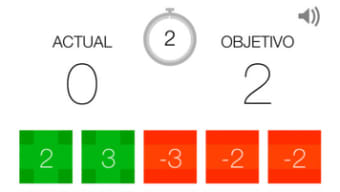
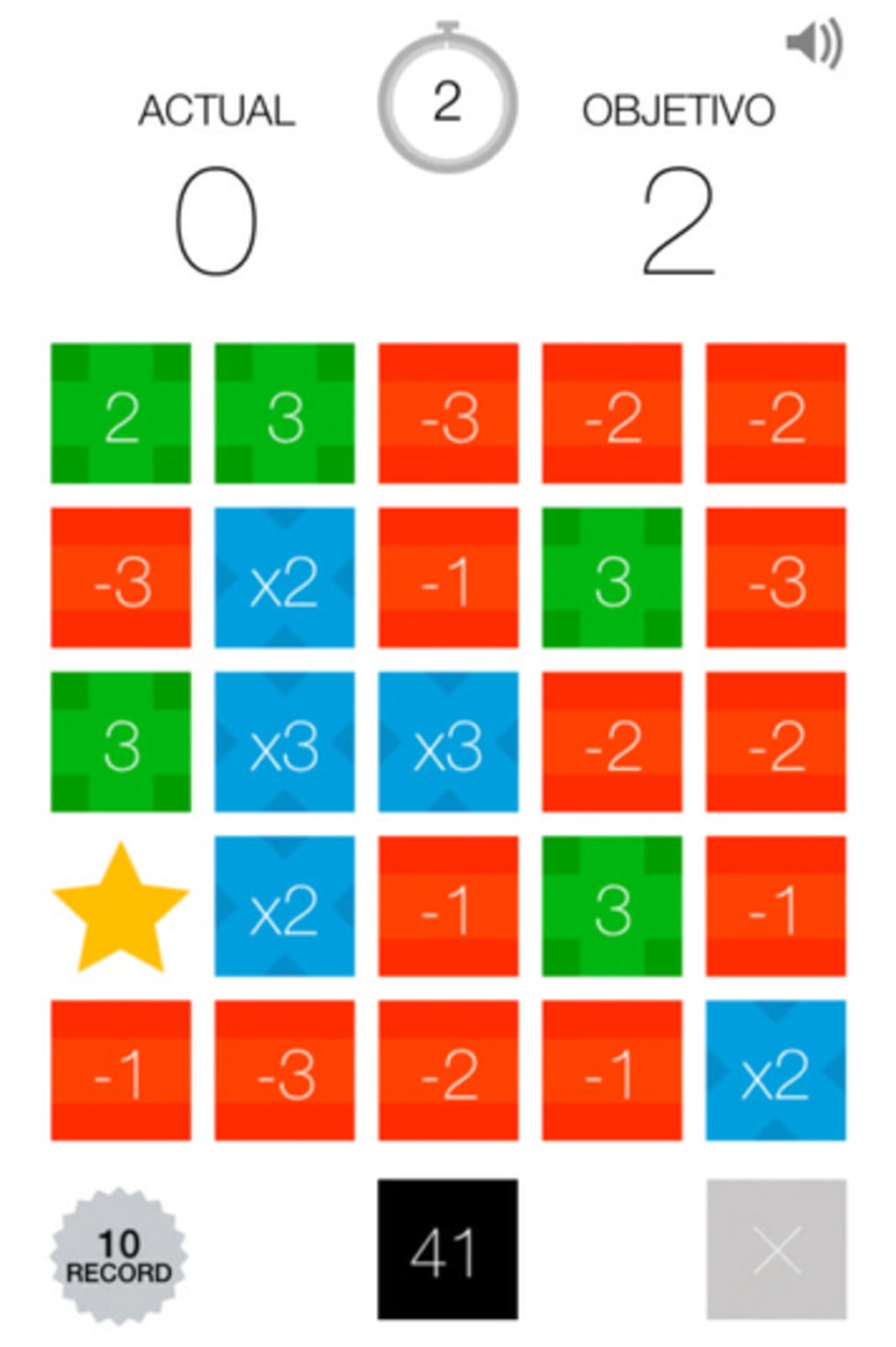
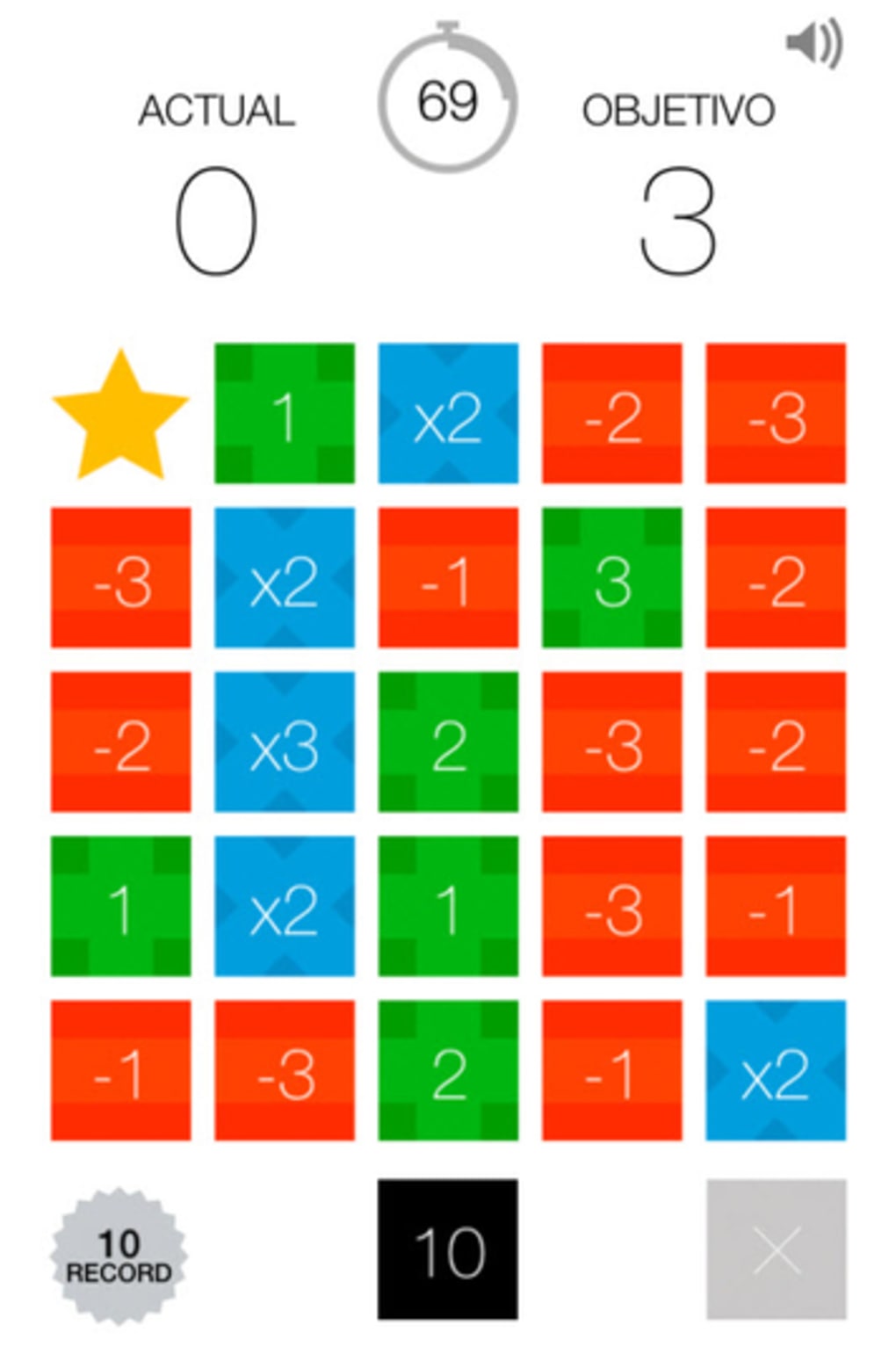
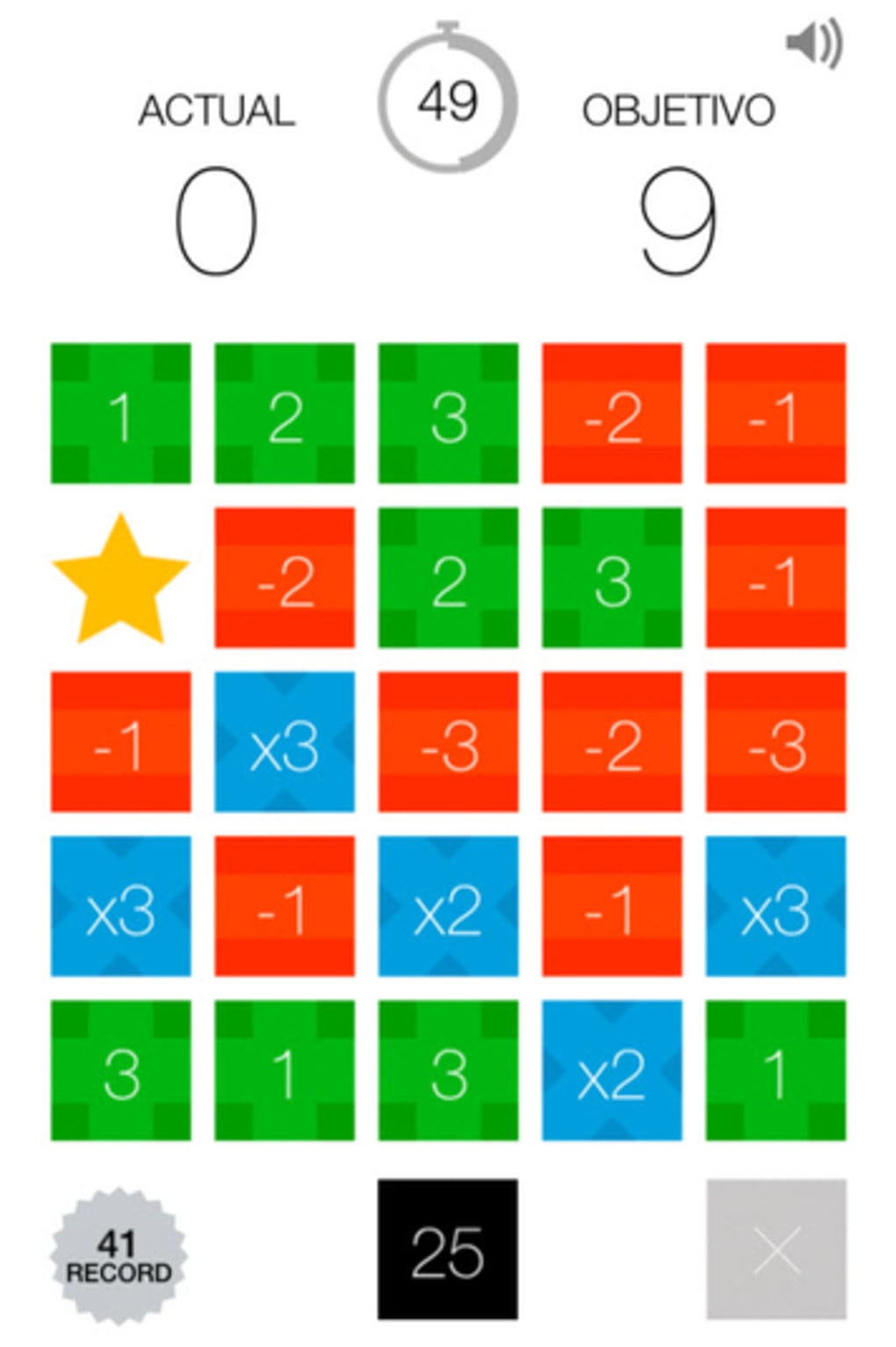
CalQ is a math-based board game designed to rekindle interest in arithmetic through engaging puzzle-solving mechanics. The core objective is to reach a target number by strategically combining cells using basic operations: addition (+1 to +3), subtraction (-1 to -3), or multiplication (x2 or x3). This approach transforms abstract math into a tactile, interactive experience, making it ideal for users who may have neglected their math skills over time.
The game targets casual players, students, and adults seeking mental stimulation through fun challenges. It is particularly suited for those who enjoy logic puzzles, brain teasers, or light competitive gameplay. Real-world usage scenarios include daily mental workouts, classroom learning aids, or quick entertainment during breaks.
The game's dual modes—Normal and Time Attack—offer varied pacing, allowing players to either focus on accuracy or test their speed under pressure. While only two difficulty levels are available, the game provides a structured path for gradual skill development. The developer, CalQ Games, has positioned CalQ as a tool for cognitive engagement, emphasizing accessibility and simplicity in design.
Key Features & Capabilities
- Mathematical Puzzle Mechanics: Players manipulate numbered cells using addition, subtraction, and multiplication to reach a specific target number. Operations are limited to +1 to +3, -1 to -3, and x2 or x3, ensuring a balanced challenge without overwhelming complexity.
- Normal Mode: A relaxed gameplay experience where players solve puzzles at their own pace, focusing on strategy and accuracy. Ideal for beginners or those looking to improve their mental math skills.
- Time Attack Mode: A fast-paced variant where players must solve as many puzzles as possible within 90 seconds. This mode tests reflexes, calculation speed, and decision-making under pressure.
- Progressive Difficulty: Although only two modes are available, the game presents a clear progression path, allowing players to build confidence before attempting faster challenges.
- Simple, Intuitive Interface: The game’s layout is clean and easy to navigate, minimizing distractions and allowing users to focus on solving puzzles.
How These Features Help Users
Each feature is designed to enhance cognitive engagement. The limited operation set ensures that players can focus on logical reasoning rather than complex calculations. Normal mode supports learning and retention, while Time Attack mode encourages rapid mental processing. The combination of modes allows users to tailor their experience based on mood or goal—whether it’s improving math fluency or simply having fun. The game can be used as a daily mental exercise, helping maintain cognitive sharpness over time.
User Interface, Workflow & Performance
The user interface of CalQ is minimalistic and functional, prioritizing clarity over visual flair. Navigation is straightforward, with puzzle boards clearly laid out and controls accessible through simple taps or clicks. The workflow is linear: select a cell, apply an operation, and progress toward the target.
This design reduces cognitive load and allows users to concentrate on the math rather than the mechanics. The game does not display real-time performance metrics, but the feedback loop is immediate—players see the result of each action instantly. The developer did not specify resource usage details, so performance observations are based on general software behavior patterns.
However, given the game’s small file size of 45 MB, it is likely to run efficiently on most modern systems. Stability appears to be consistent with similar casual puzzle games, though no official benchmarks were provided.
Compatibility & System Requirements
CalQ is available for both Windows and Mac operating systems, making it accessible to a broad audience of desktop users. The software version is 1.0, indicating a stable initial release. The installation size is 45 MB, which is compact and suitable for systems with limited storage.
The developer did not provide additional system requirements, so exact hardware specifications such as RAM, CPU, or GPU details are unknown. Compatibility information was partially provided, but users should ensure their system meets the minimum standards for running standard desktop applications. The game is designed for desktop use and does not appear to require an internet connection for core functionality, though this was not explicitly confirmed.
Pros and Cons
Pros
- Free to download and use, with no hidden costs
- Compact size (45 MB) ensures quick installation
- Simple, intuitive interface suitable for all ages
- Dual gameplay modes offer variety in experience
- Encourages mental math and logical thinking
Cons
- Only two difficulty modes may limit long-term replayability
- Limited operation set could feel restrictive for advanced players
- Exact system requirements were not listed
- No progress tracking or achievement system mentioned
- Difficulty curve appears steep for absolute beginners
FAQ Section
Is CalQ available for Windows and Mac?
Yes, CalQ is compatible with both Windows and Mac operating systems.
Is the game free to download?
Yes, CalQ is completely free to download and use with no in-app purchases or subscription fees.
Does CalQ require an internet connection?
The game does not require an internet connection to play core puzzles, though updates may need online access.
How often are updates released?
Update frequency was not specified by the developer.
Can I play CalQ offline?
Yes, the game is designed to function offline, allowing users to play without an active internet connection.
Final Thoughts + CTA
CalQ delivers a refreshing take on math-based entertainment, combining simple arithmetic with engaging puzzle mechanics. Its dual-mode design caters to both relaxed learners and speed-focused players, making it a versatile tool for mental exercise. While the limited number of difficulty options may reduce long-term engagement for some, the game’s lightweight nature, free access, and intuitive design make it an excellent choice for casual users and educators alike.
The focus on mental math through playful interaction is both effective and enjoyable. For anyone looking to sharpen their calculation skills in a fun, low-pressure environment, CalQ stands out as a solid option. Download CalQ now and start solving puzzles today.







